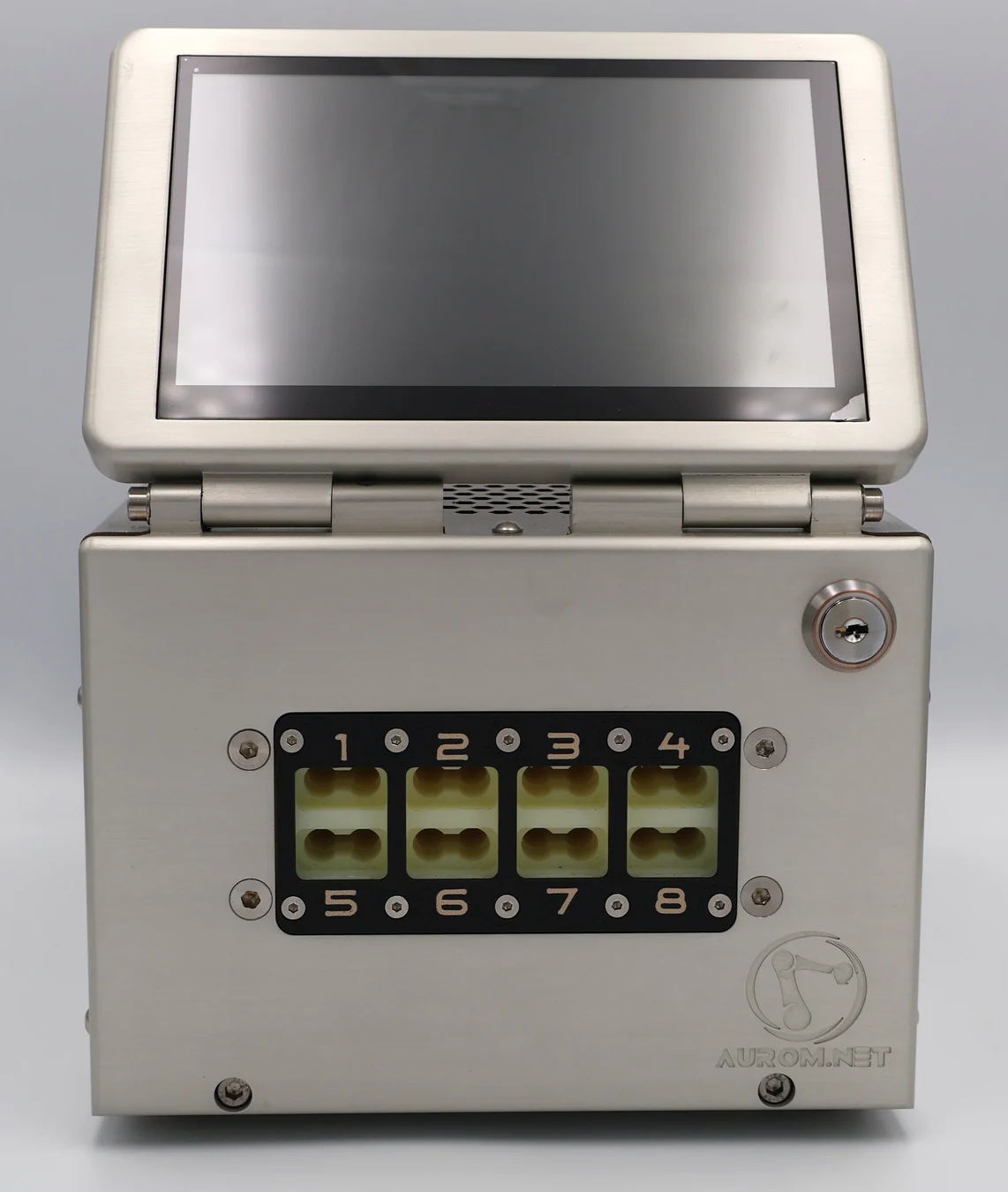
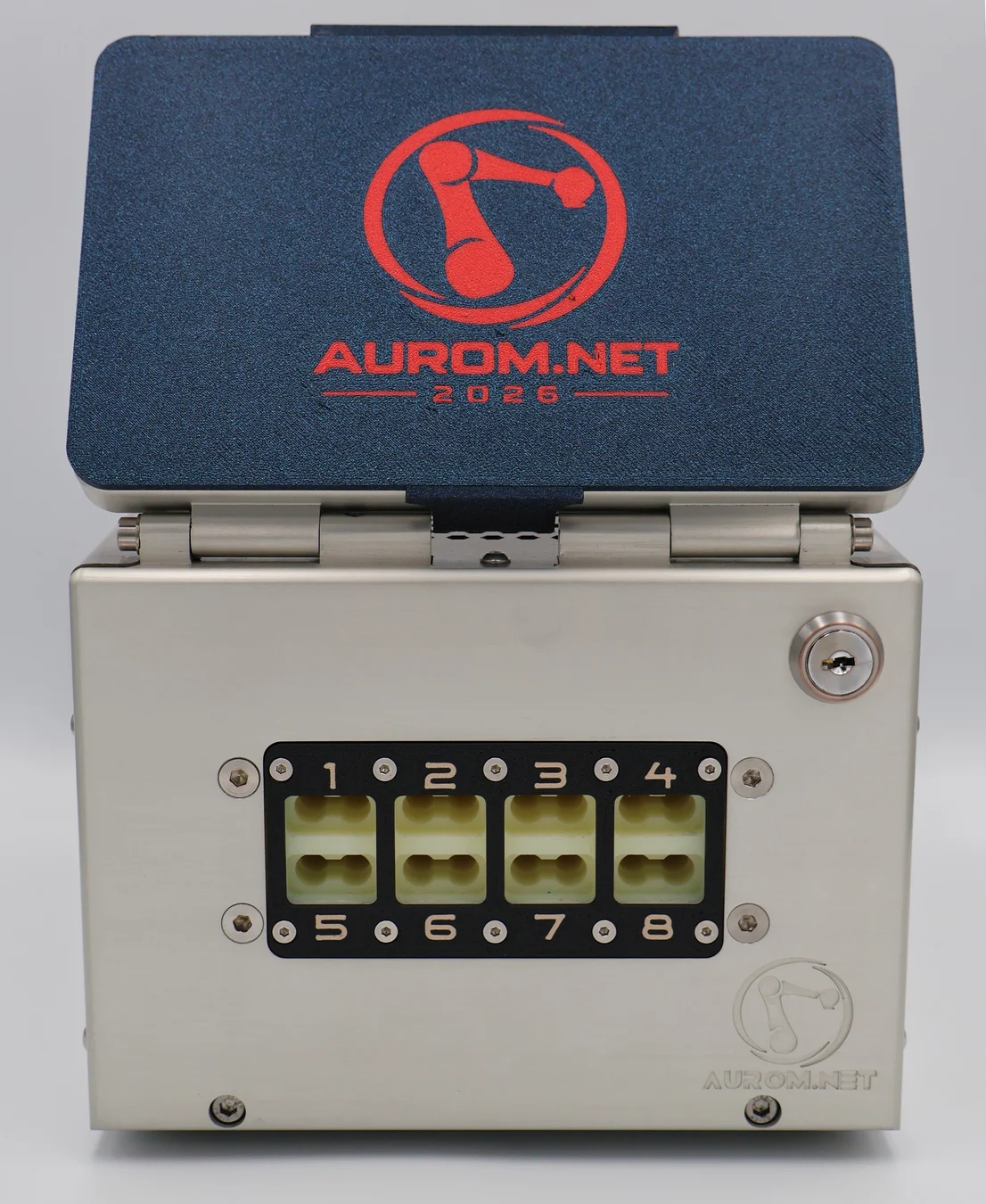
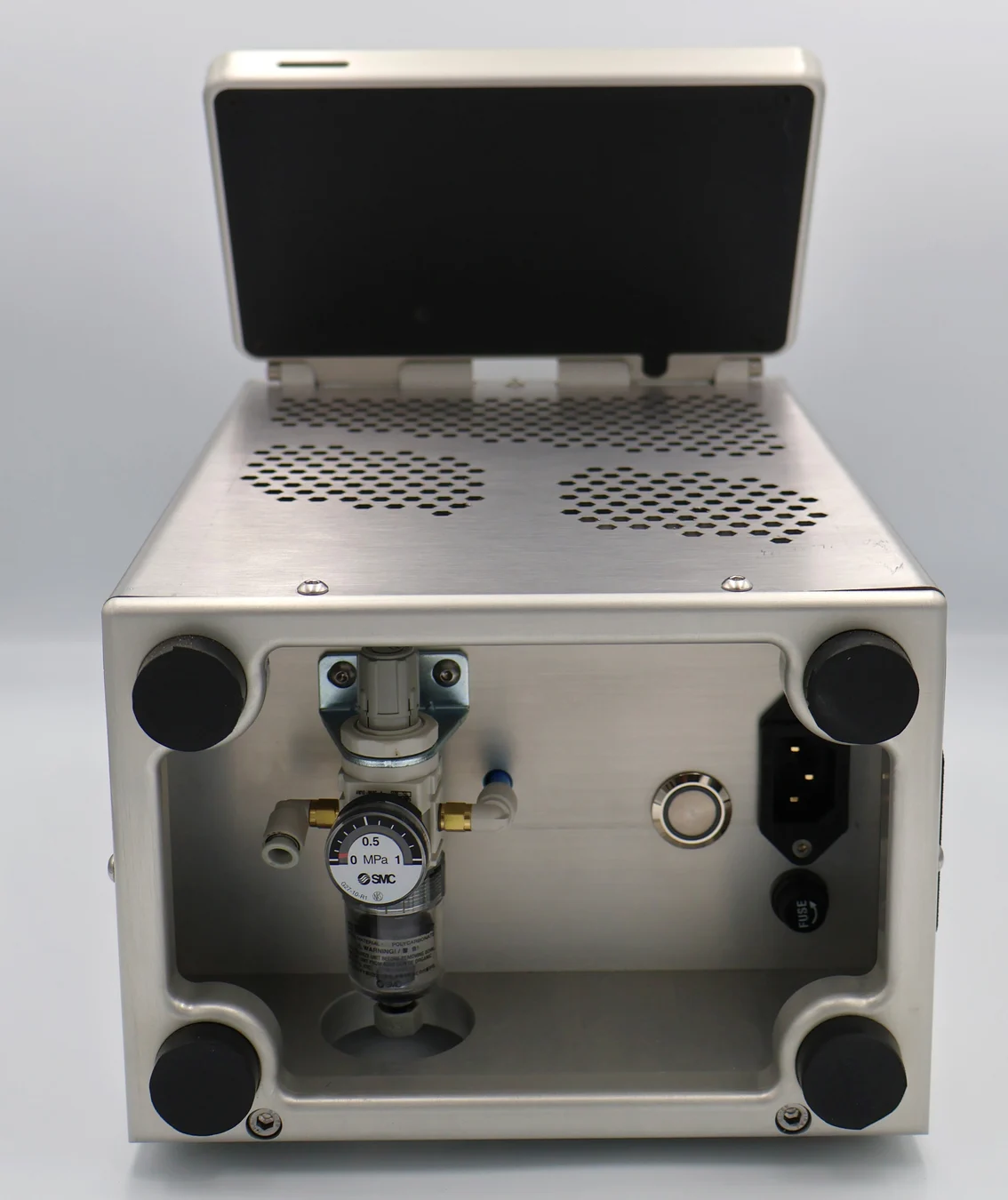
Cordset Tester introduction
See an assembly test start, the result appear on screen and the tester unlock to release the terminal.
The video could not load. Open MP4 video
 ES
Mechanical terminal assembly verification.
Inspect terminal position and fit inside the connector housing. Detect missing, improperly inserted or incorrectly positioned terminals and receive an OK/NOK result. A rejected part remains held in the device for rework.
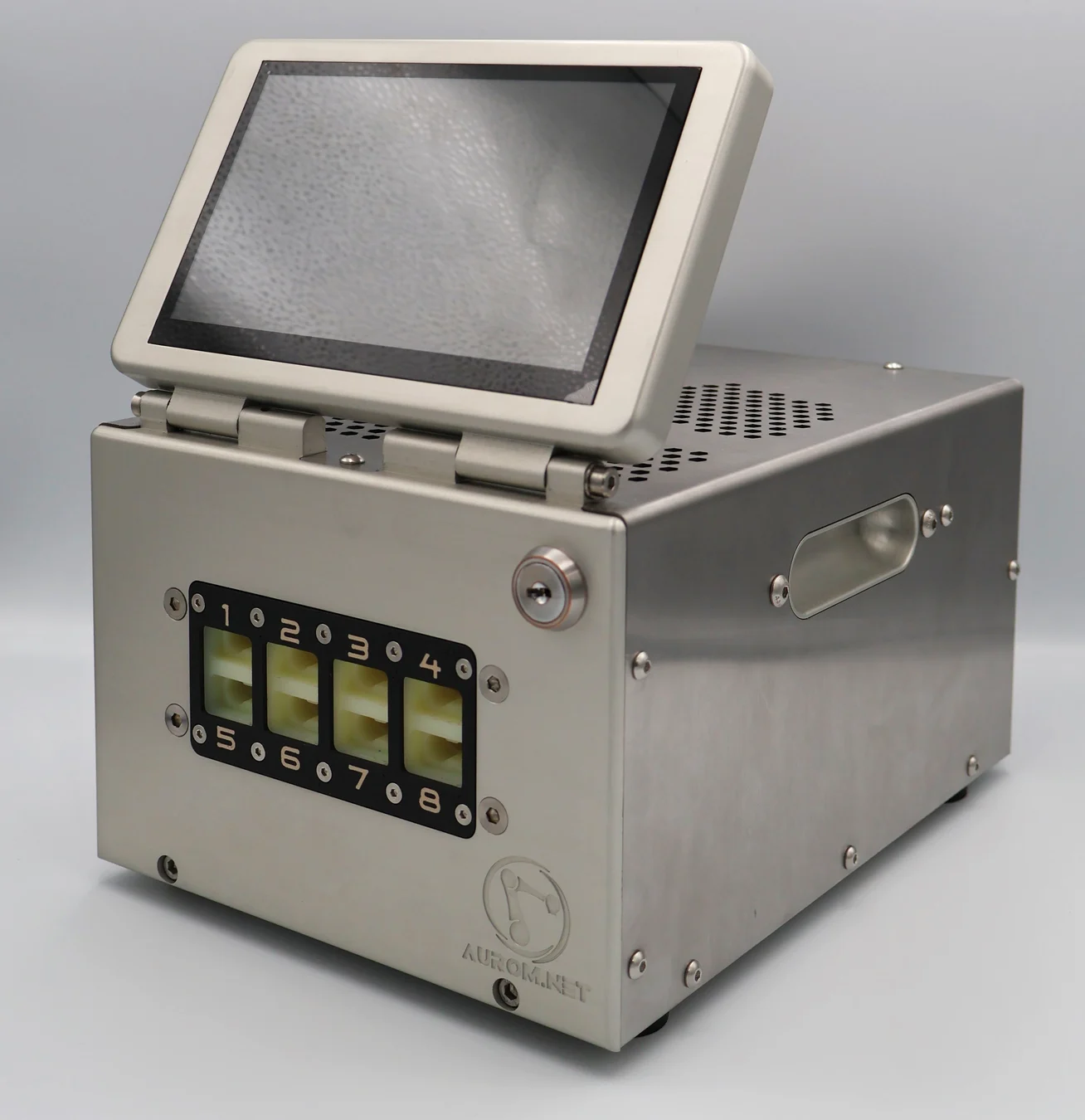
Explore the device from different angles.
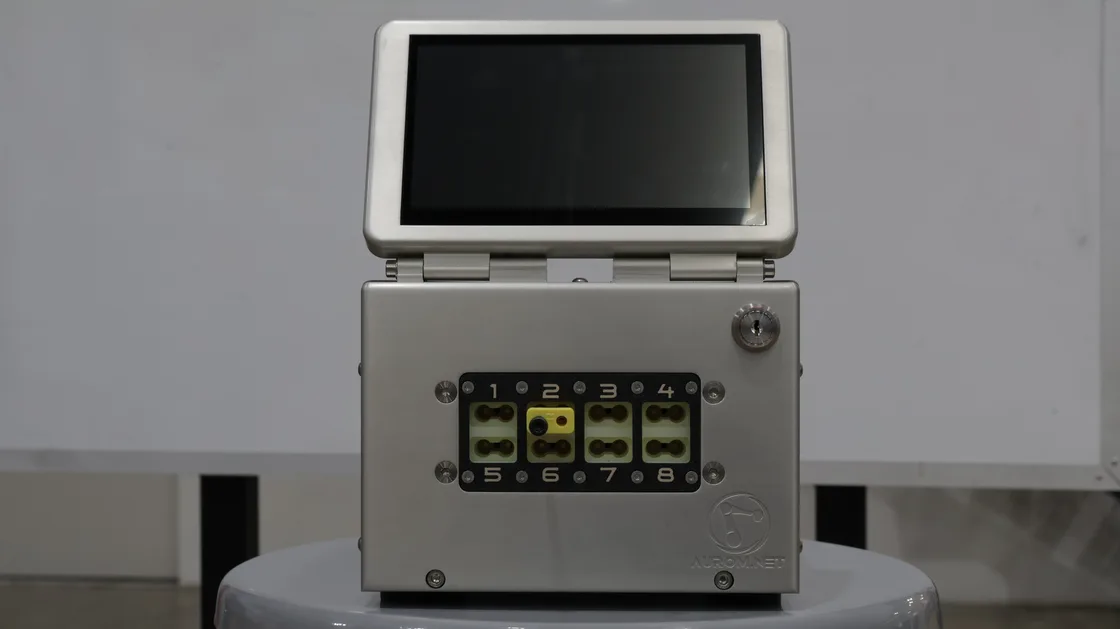
Drag sideways to rotate. You can also use the arrow keys or buttons.
See an assembly test start, the result appear on screen and the tester unlock to release the terminal.
The video could not load. Open MP4 video
Mechanically inspect terminals inside the connector housing.
Display OK or NOK. A rejected part stays held for rework.
Inspection configuration is defined around the connector and process.
Mechanical assembly inspection. Electrical verification is outside the scope of the device.